
I recently started a new job: Policy Director of the Learning Through Technology Team (LTTT) at the Maine Department of Education. It’s essentially the state tech director position, and its largest responsibility is managing the Maine Learning Technology Initiative (MLTI – 1to1 in 7th & 8th statewide – since 2001! – and making it easy for districts to buy in at other grades), and supporting schools as they think about how technology can support learning.
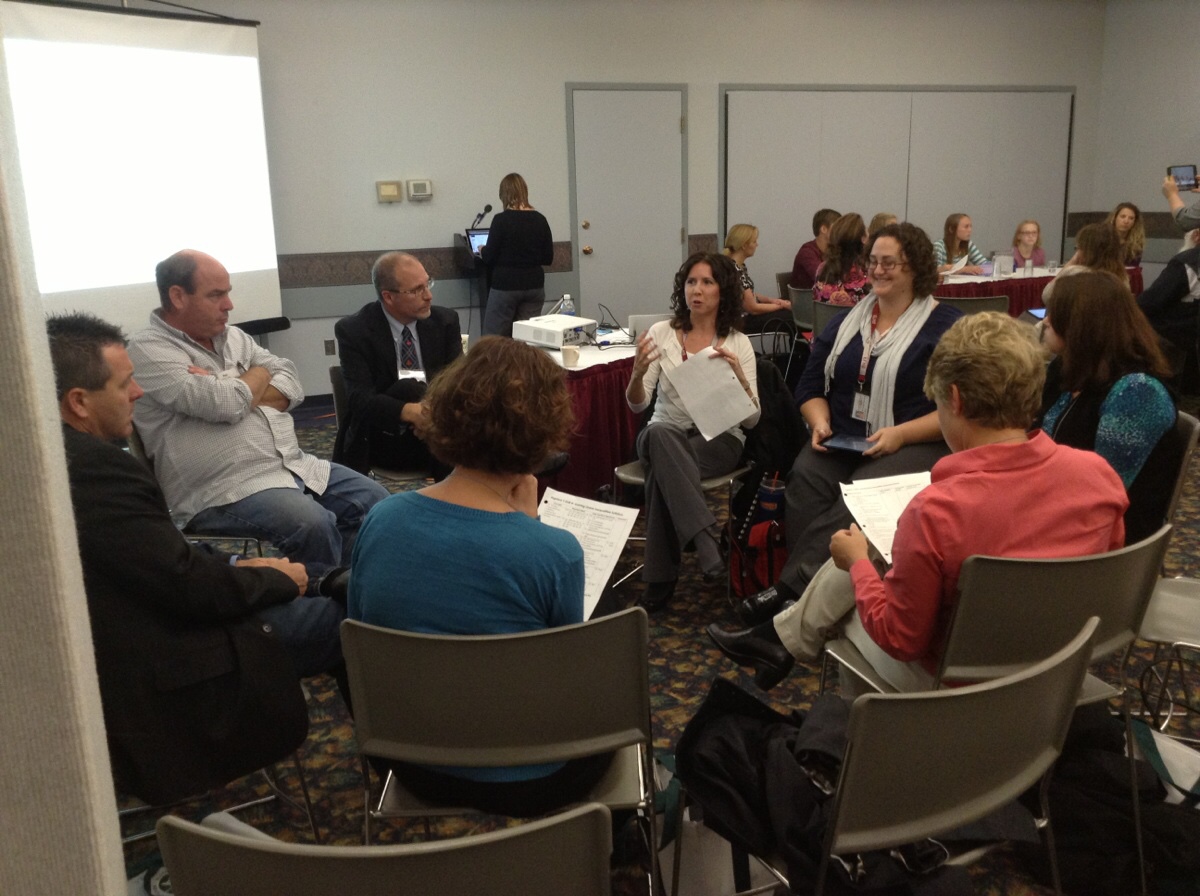
I have a small (but awesome!) team of 7 colleagues that help make all this happen. If you follow this blog, you already know I’m a strong believer in “Leading Beside” which includes both shared leadership and working from a shared vision. So it won’t surprise you that one of the first things I did with my new team was set aside a morning for us to build a shared vision.
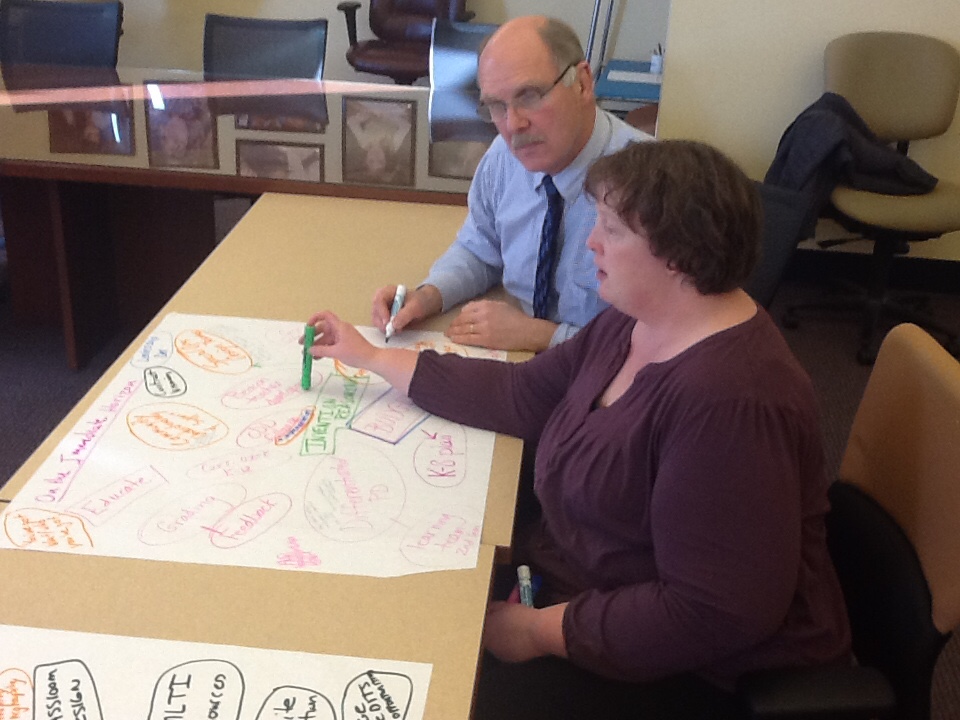
We used the same process that Bette Manchester introduced to districts at the very beginning of MLTI: To think of a preferred future for young people we care about (the Preferred Future), then think about about what students need to start doing today to get ready for that Preferred Future (the Vision for Learning), then think about what teachers, schools – and the Learning Through Technology Team – need to do today so students can do what they need to do (the Strategic Plan). (A process Bette would credit to Bruce Wellman’s work.)
Building a Preferred Future
We started by thinking about a young person we care deeply about. Then thought out into the future, beyond middle school, beyond high school, beyond college or job training or military, and then a few more years, until that person was getting settled in their jobs and, perhaps, their family.
And then we thought about three questions:
- Where would we like them to be able to work?
- Where would we like them to be able to live?
- Where would we like for them to be able to learn?
Here’s what the team generated:
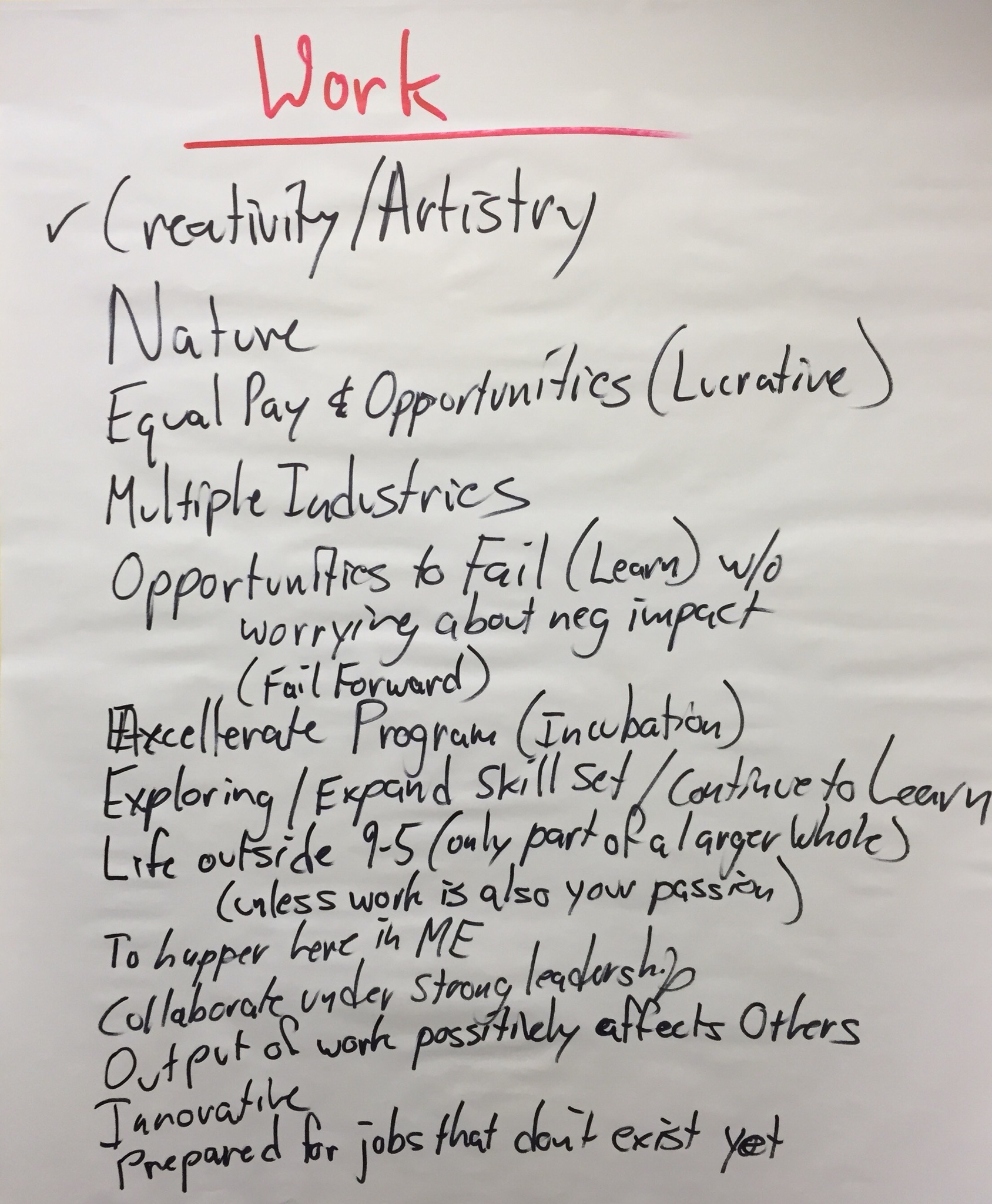
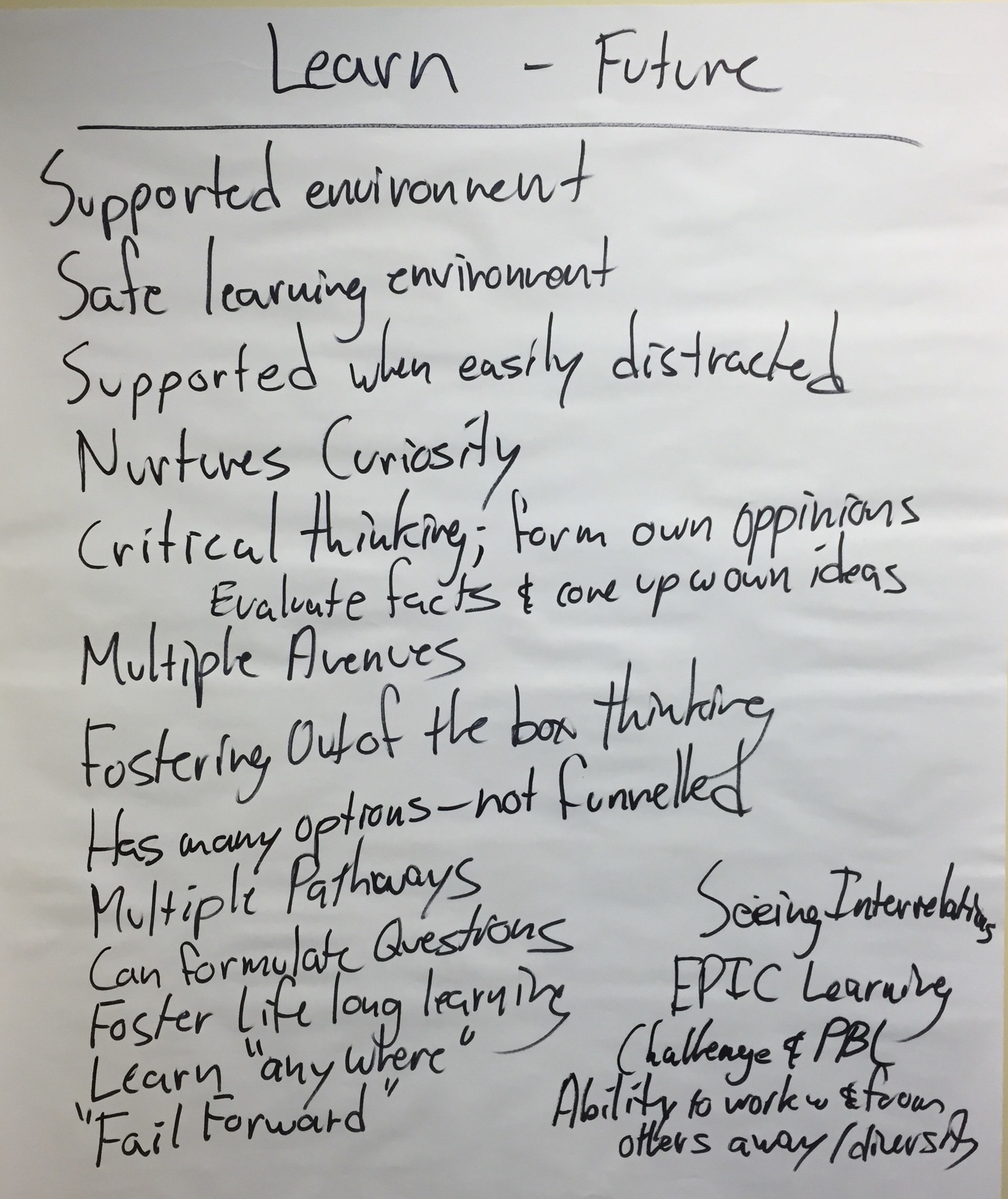
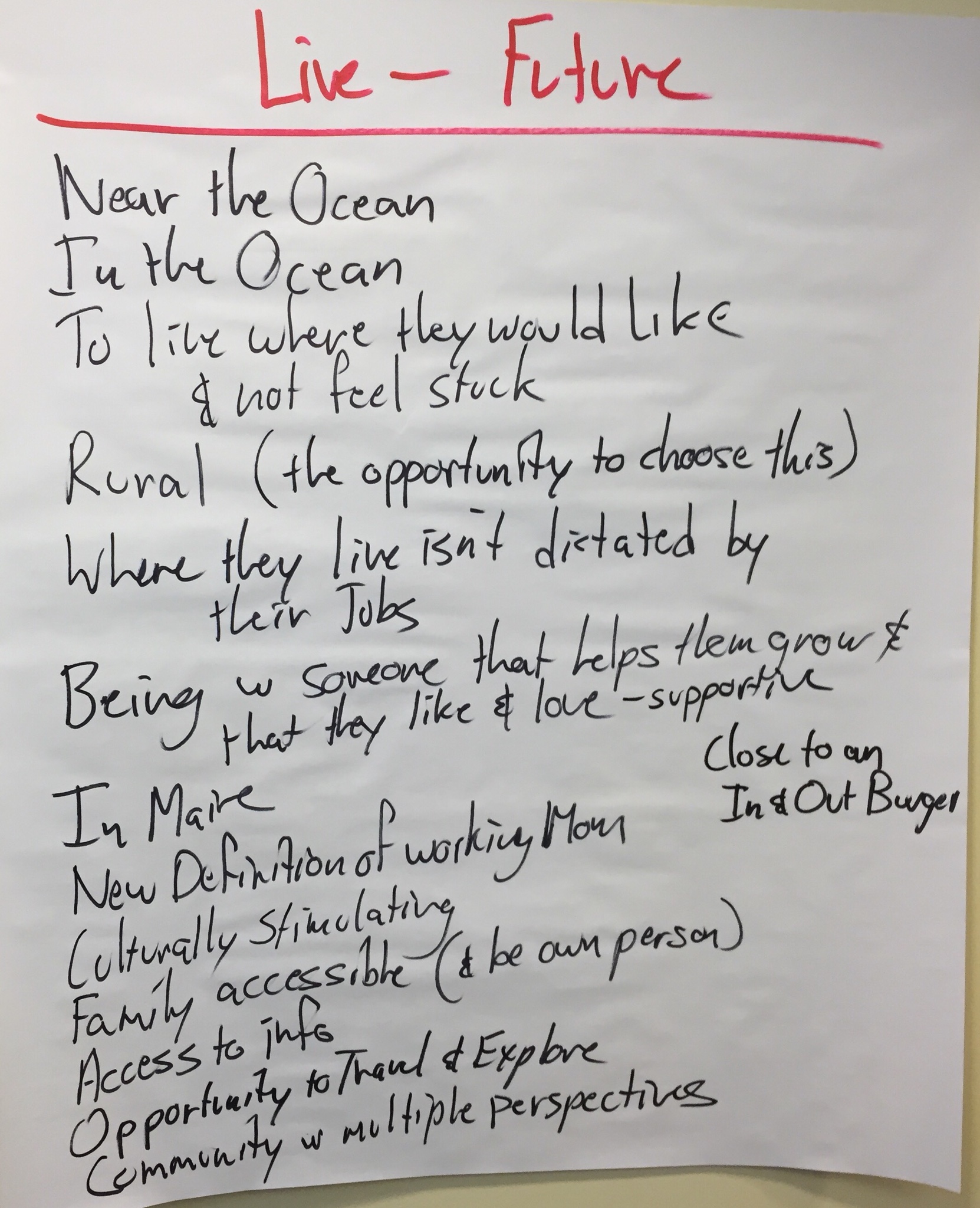
These charts represent the Team’s Preferred Future.
Identifying Our Shared Vision Vision for Learning
The next step was to think about these same students today. If the charts above represent our preferred future for these young people, what do they need to do today to get ready for it?
Here is what we generated:
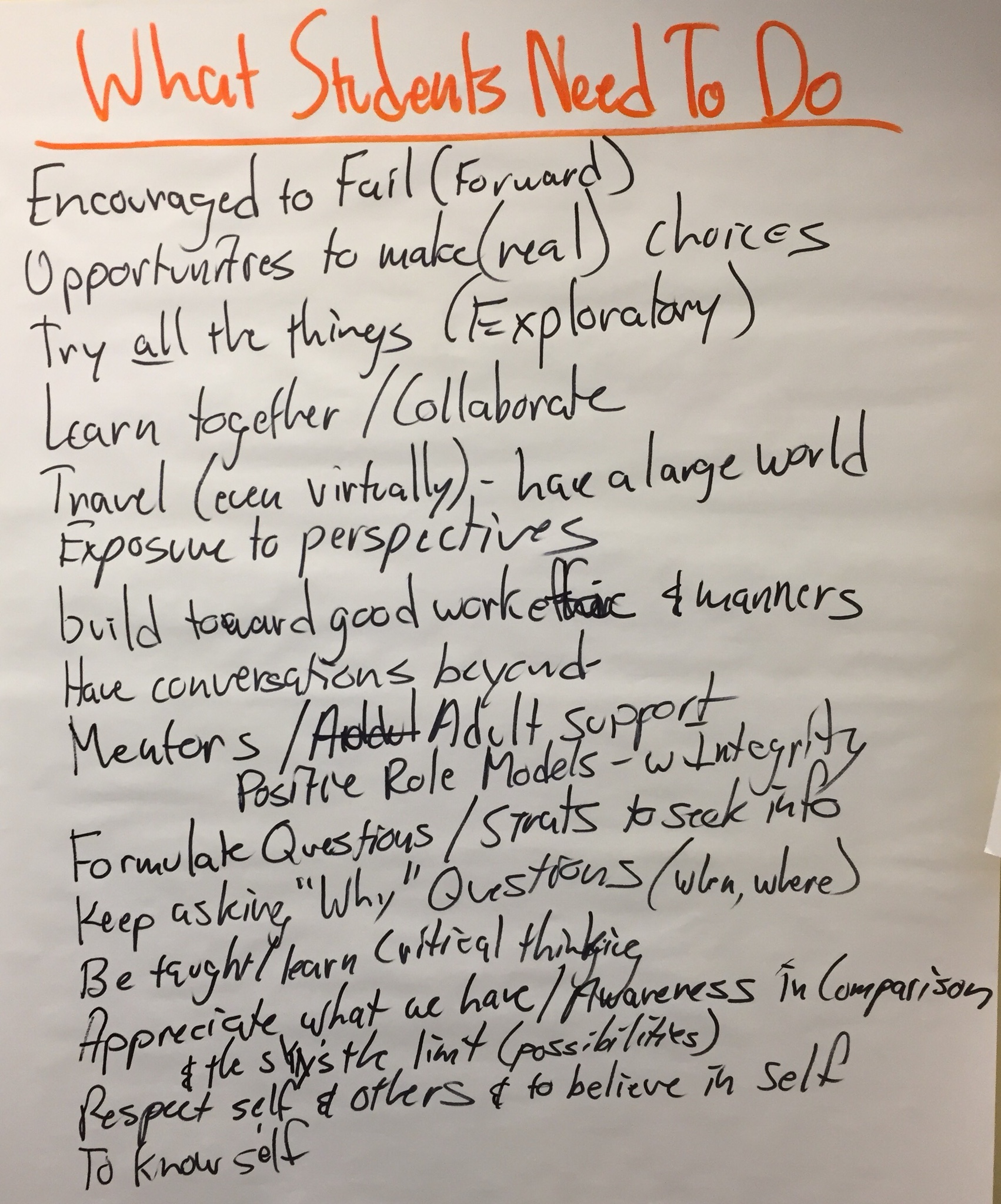
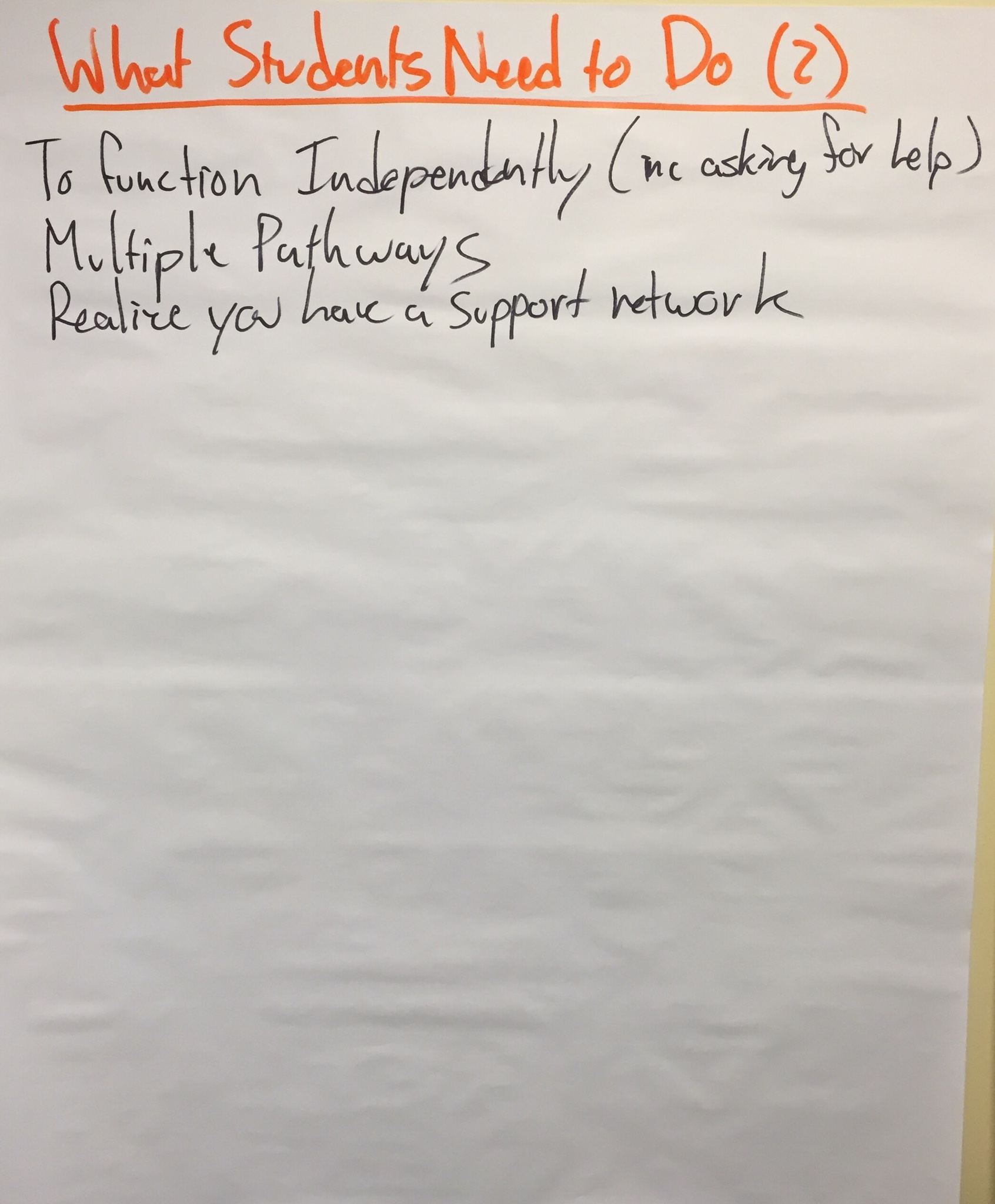
So, these charts represent the Team’s Vision for Learning.
Creating Our Strategic Plan
So, if this is what we believe students need to start doing today to get ready for the Preferred Future, what do do we believe teachers need to do, so students can do what they need to? Our thoughts:
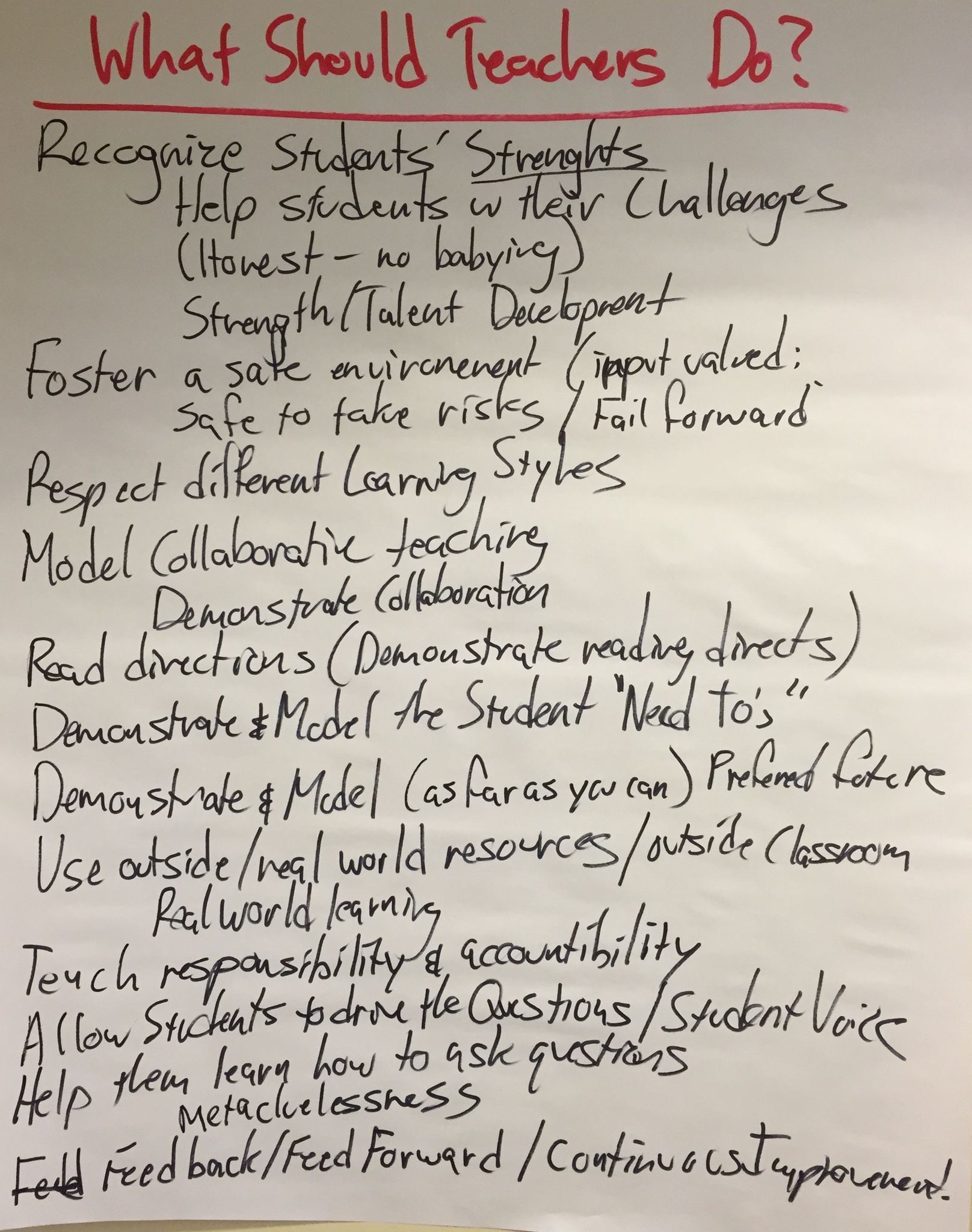
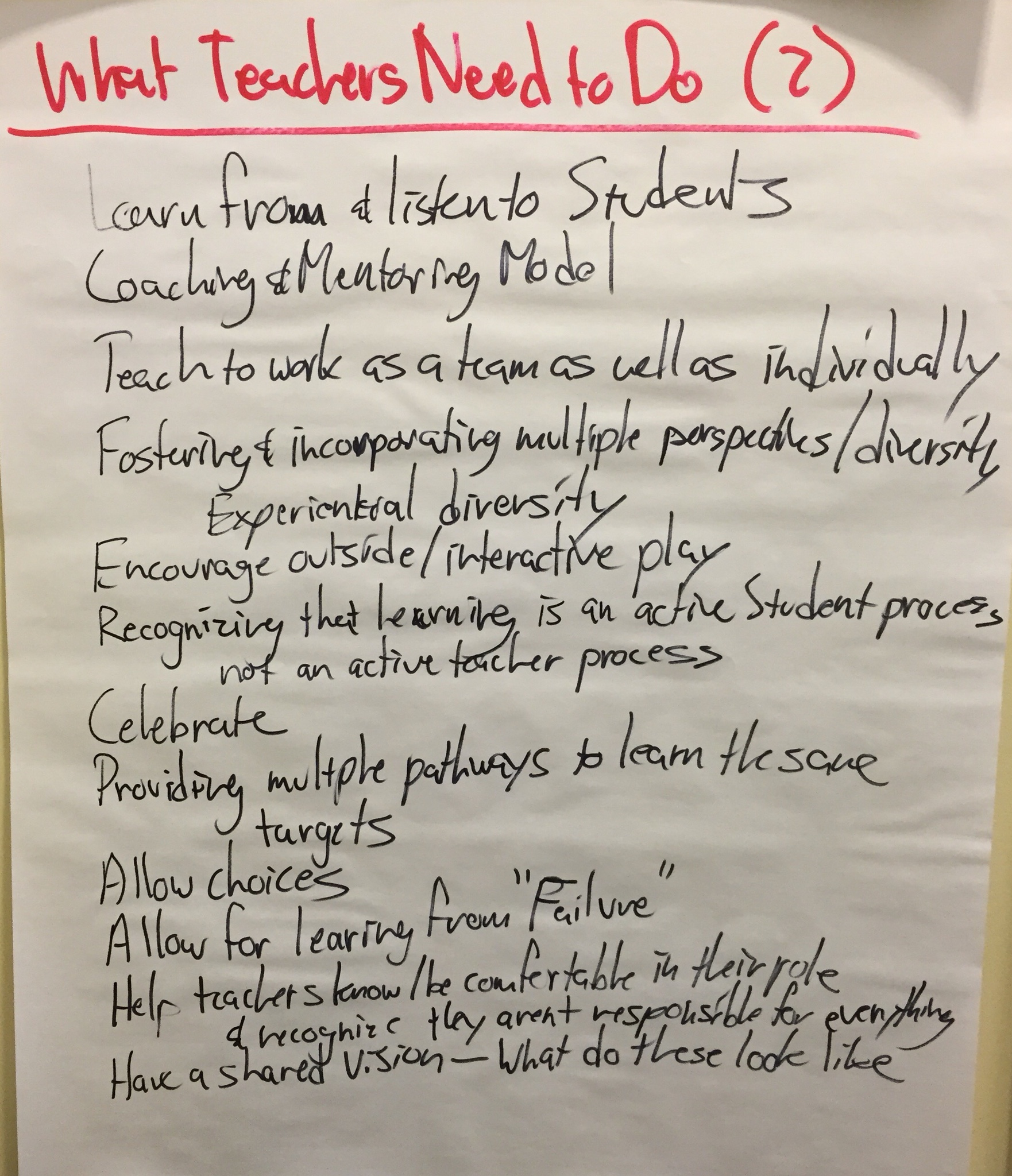
And then, what do we believe schools (principals, tech directors, district administration, etc.) need to do so teachers and students can do what they need to? The Team’s lists:
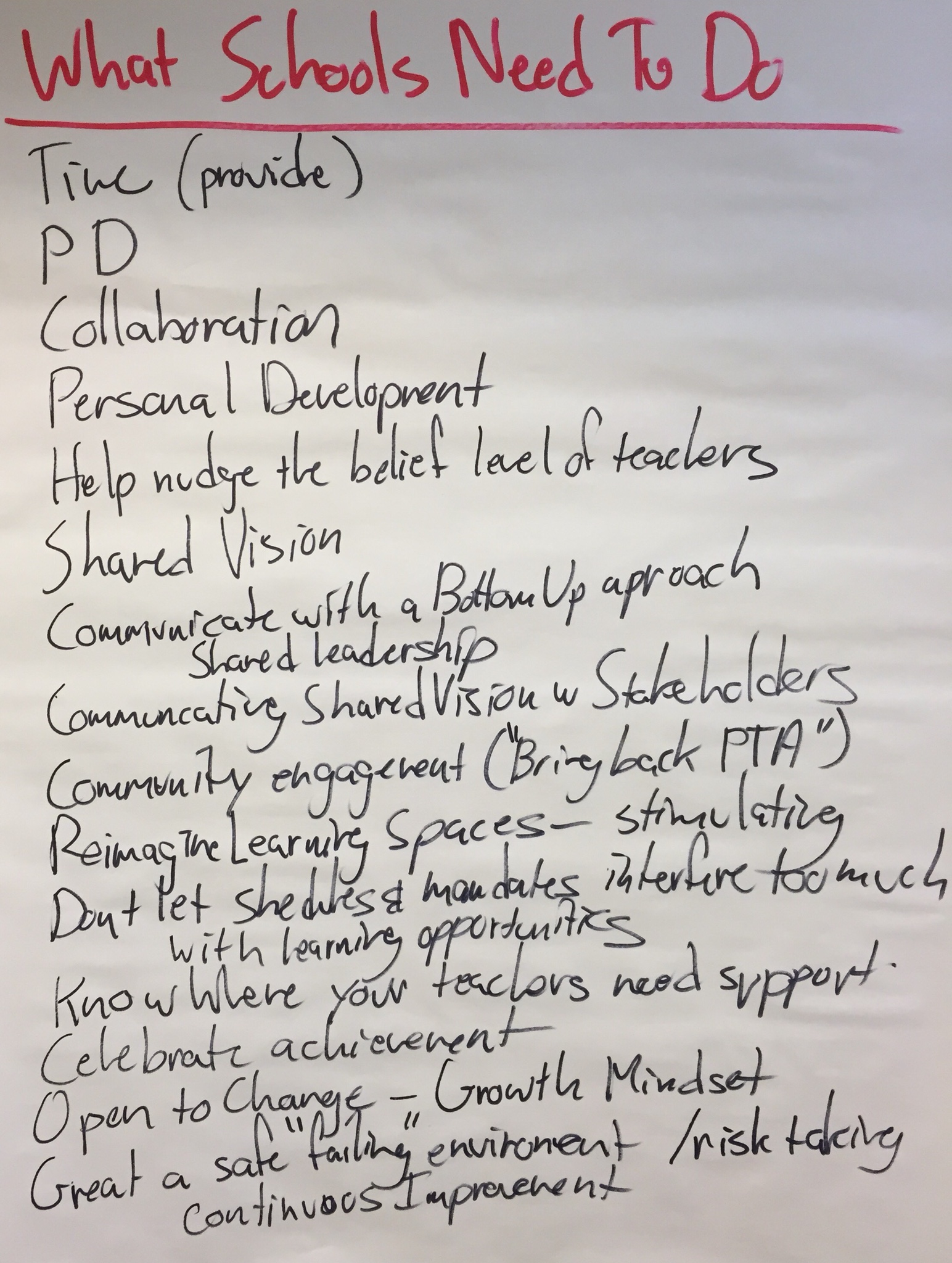
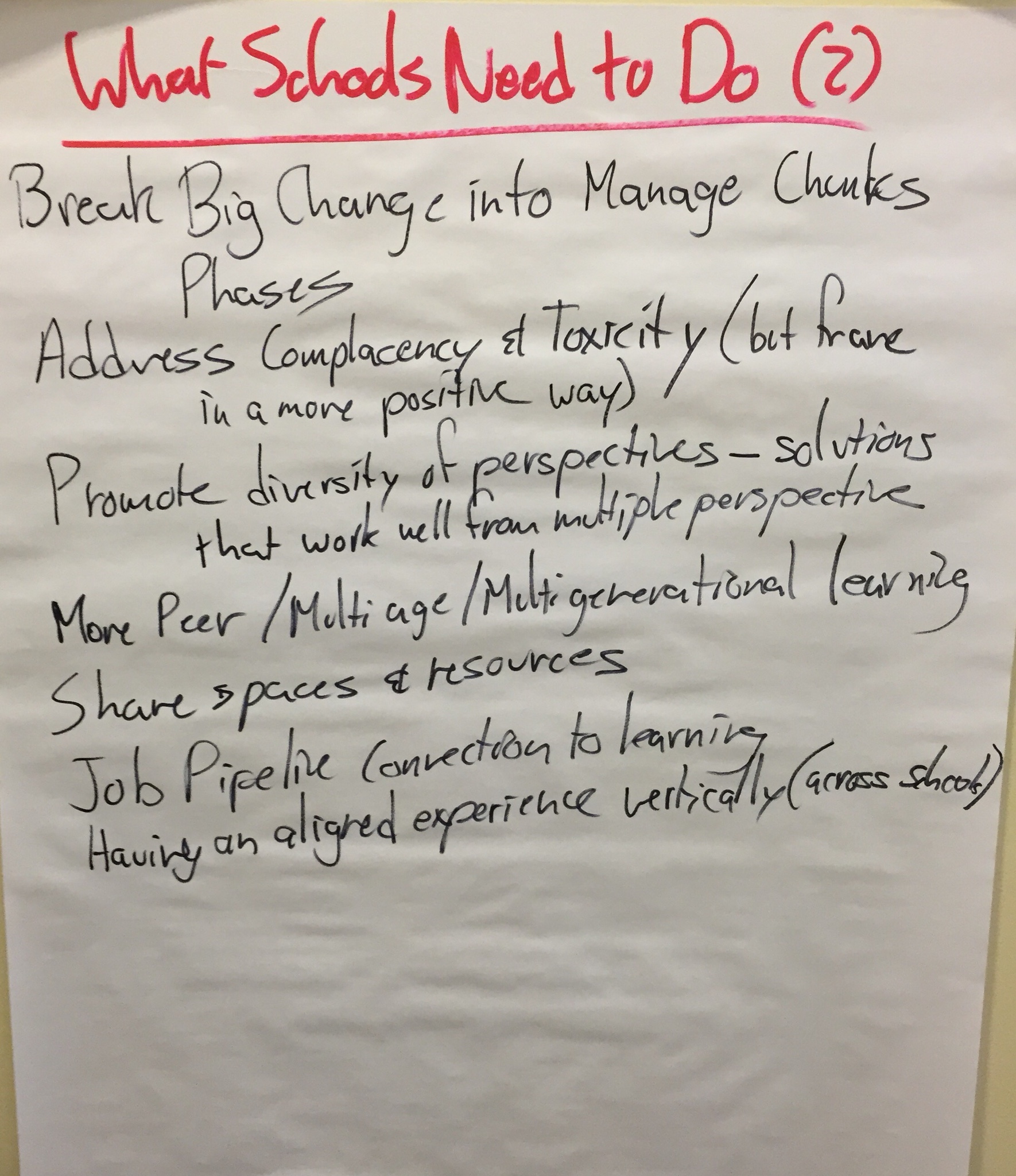
These charts represent what we hope teachers and schools might adopt as their strategic plan.
But they also lead us to think about our own work and responsibility for making our Vision for Learning a reality. What does the Learning Through Technology Team need to do to support the work of students, teachers, and schools?
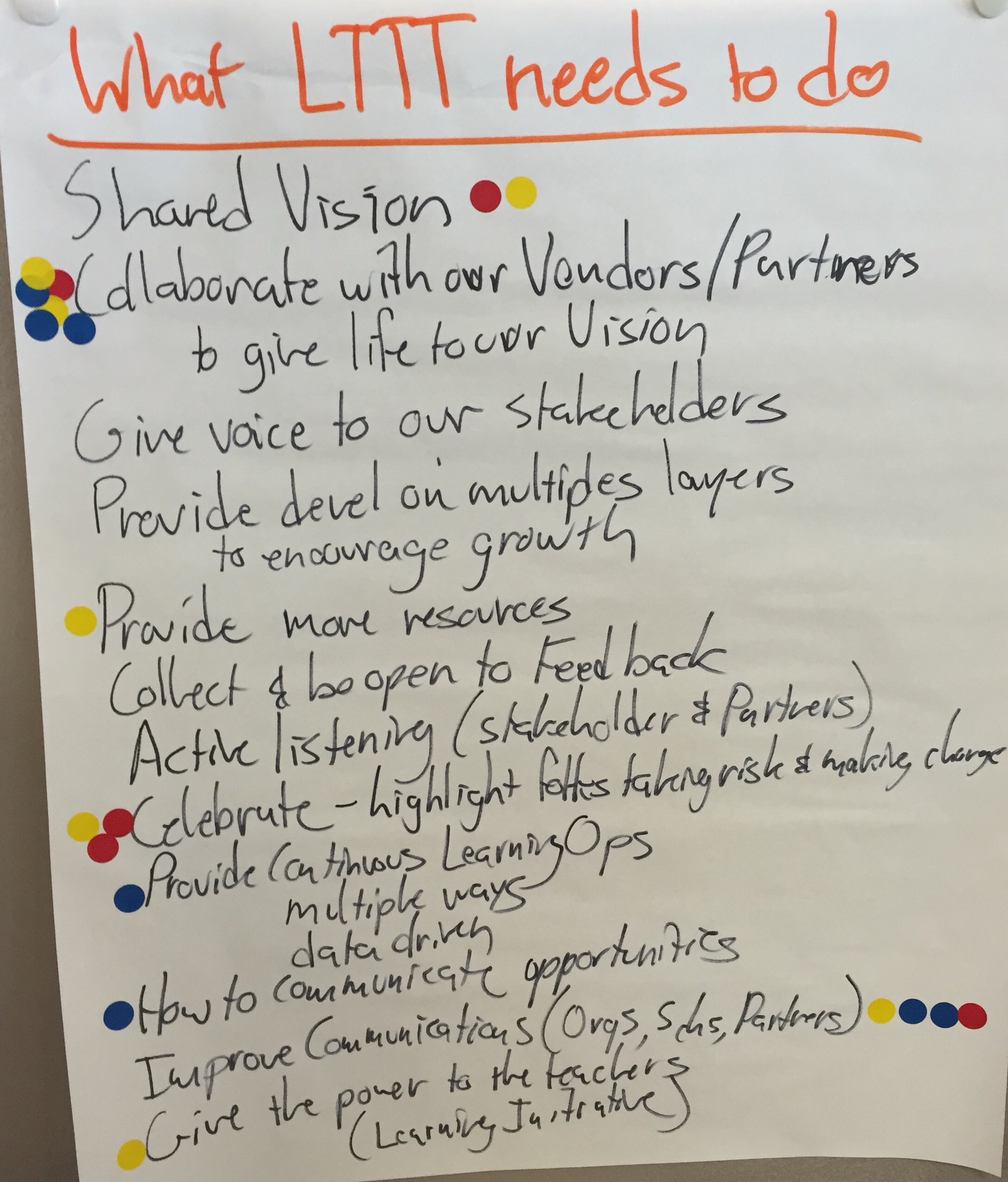
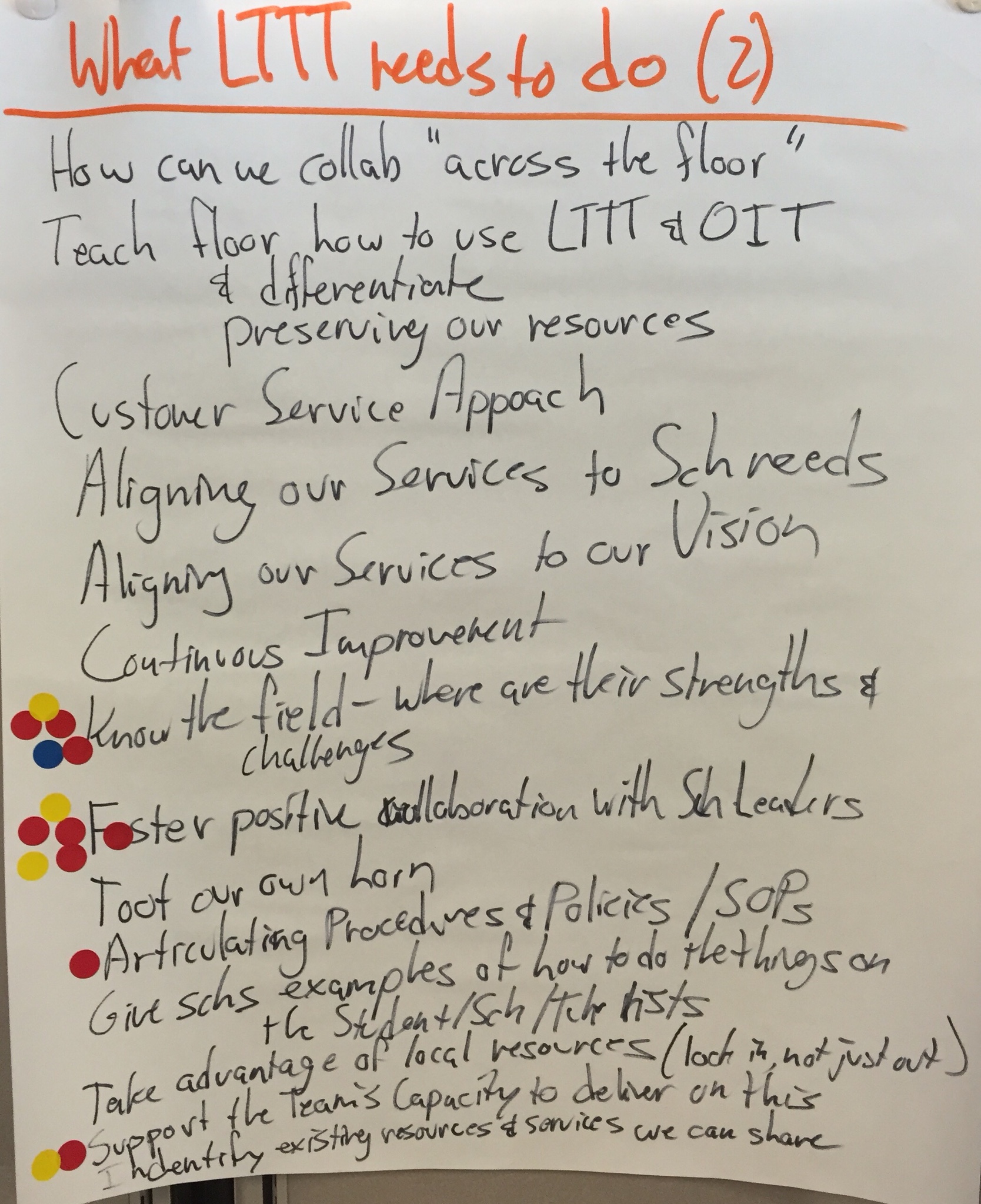
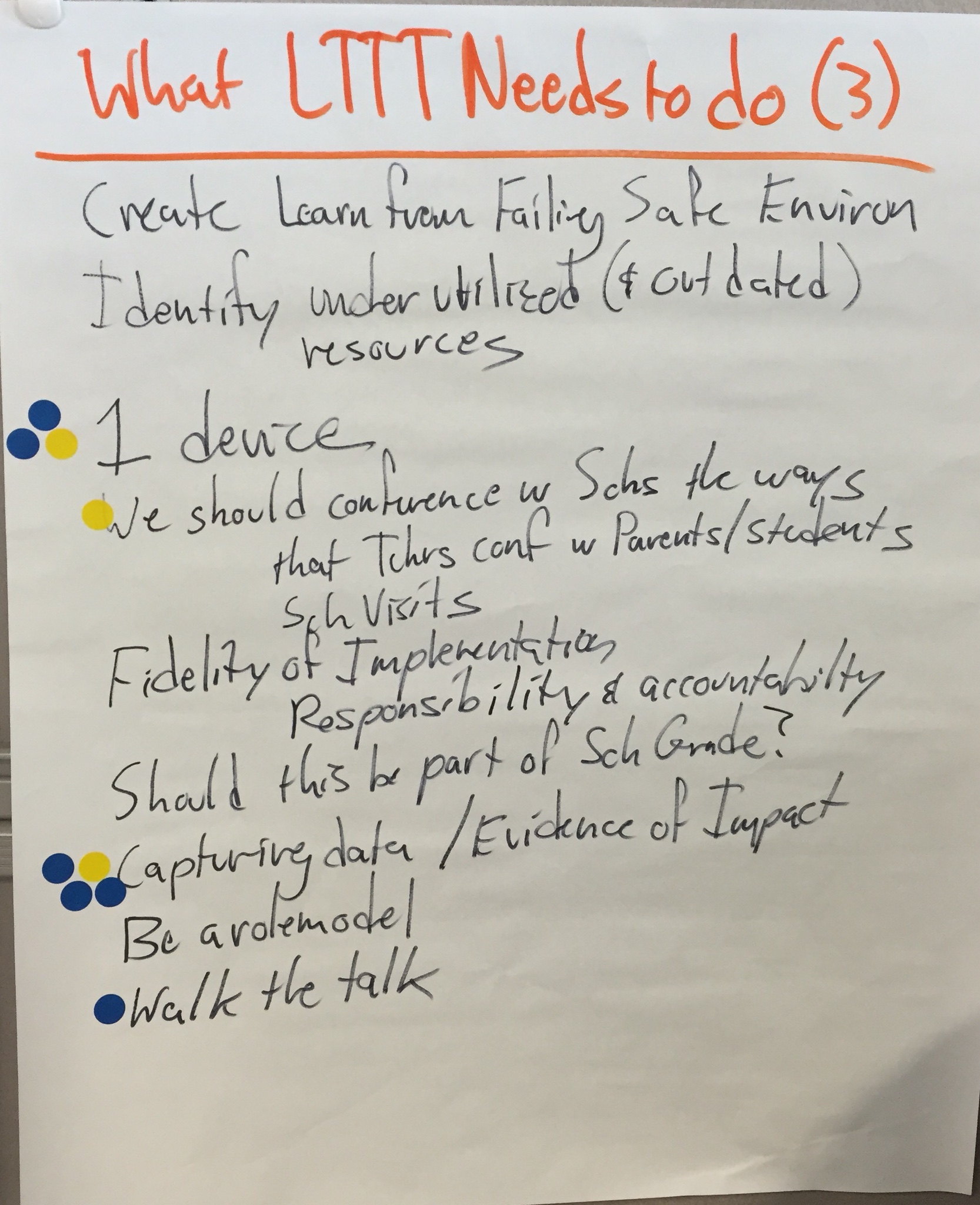
Prioritizing
Accomplishing 3 pages of strategic steps is a daunting task! (Actually, self defeating! We need a little focus!) I gave each Team member 6 dots to place on the charts. The prompt was, “Which are the most important pieces for us to work on right now.” All of them are important, and should be tackled as some time, but we needed to identify where to start. Team members could distribute their dots in an way they wanted (all 6 on one item, or spread out across items, etc.), but they each only had the 6 dots.
You can see where they placed their dots above.
That translates into the following as the Learning Through Technology Team’s Strategic Plan for the coming year:
- Collaborate with our Vendors/Partners to give life to our Vision
- Foster Postive Collaboration with School Leaders
- Know the Field – where are their successes and challenges?
- Improve Communications (Organizations, Schools, Partners)
- Capturing data / Evidence of Impact
Where We’ll Go Next
It’s not enough to capture a Vision on paper. It needs to be used as a filter and a compass.
In order to do that, we’ll have to polish our Vision for Learning into a shareable document (it’s a little too rough for sharing in this current form), and create a mission statement. Then we can put together a “Compass and Filter” document (that includes our vision, mission, and strategic plan goals). We will use it to help us decide how to prioritize and do our work, and help us decide which new opportunities to take on. We can also share it with the schools, organizations, and other partners we work with (or might start working with) to see where there is alignment between our work and theirs.
But I’ll save that for future blog posts…
 Posted with Blogsy

 Your left hand is where we are today. A group of students are taught the content at the same time (regardless of the pace they are learning it). They all learn it the same way. They all take the assessment at the same time. Grades are F to A, based on that assessment. Learning and assessment are based more on activities than they are learning targets; based more on building foundational knowledge (recall) than they are about both foundational knowledge and putting that knowledge to use (both recall and complex reasoning).
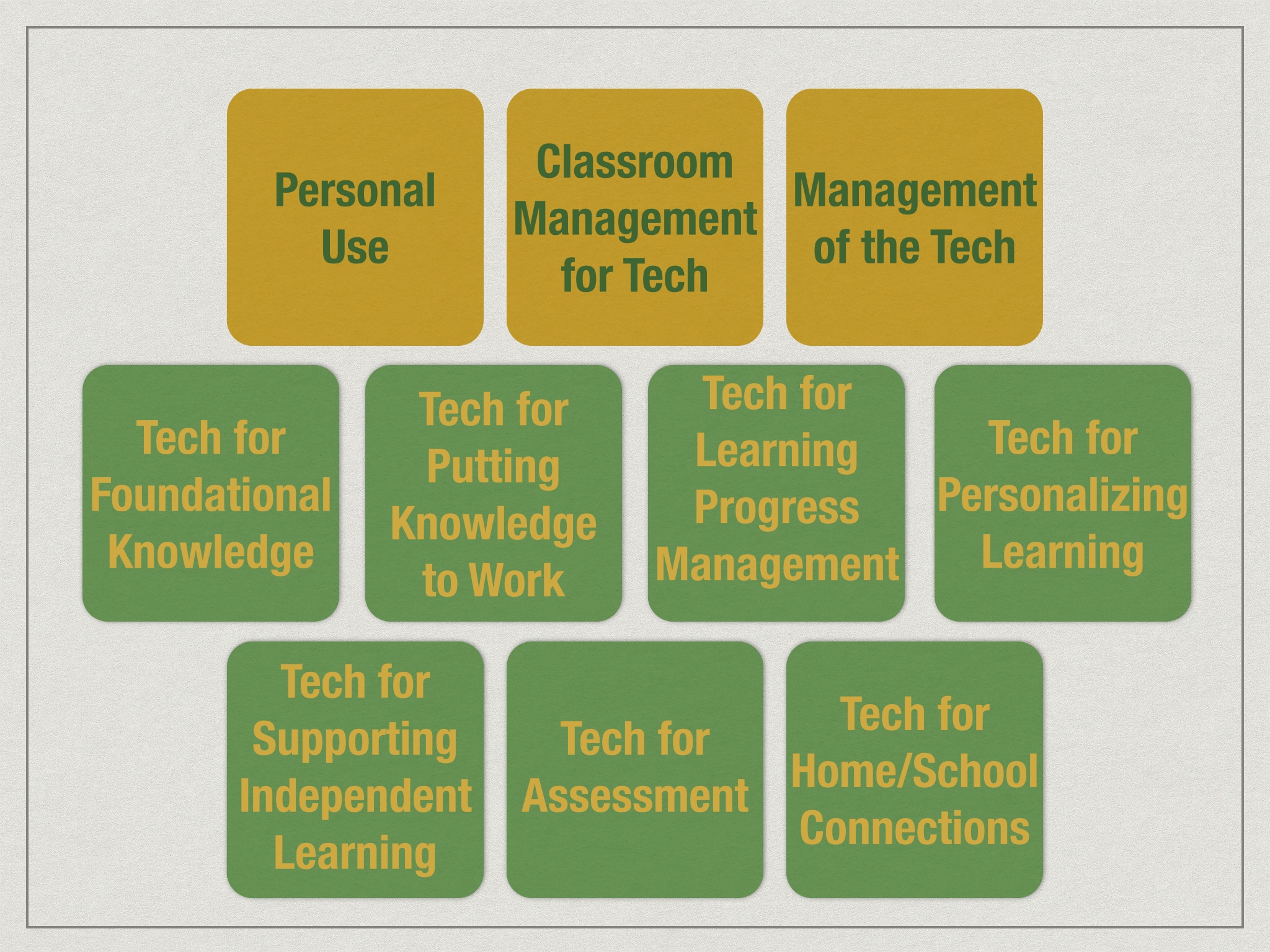
 For example, let’s say we are talking about learning progress management, and we are about a third of the way along our transition from what we used to do to the new system we want (keeping in mind that “a third” is metaphorical, simply to make a point). We would expect that a teacher might be keeping track of which unit or chapter each student is in the text (maybe with charts on the wall), students take the chapter test when they are ready, and grades are recorded in the electronic grade book (e.g. PowerSchool). The traditional pieces are that “the curriculum” is the textbook, that the text (and teacher mini lessons, we presume) are the primary approach to learning, and students are earning traditional grades. The new parts include keeping track of where students are in their learning, and students have some flexibility of pace.
 bscribe to this service? There are lots of PD modules, and it has badges.”
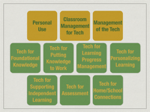 So one criterion we’d want is for a high level of alignment between the training modules and the knowledge and skills needed for our initiatives. A question I could ask about the suggested products is, “How does the list of available modules match our professional learning curriculum?” Keep in mind that a subscription service might not meet that criterion, but still have tons of high quality modules, just not the ones that we really need. And that is ok. We are quite happy to
  may be the least important aspect. As I mentioned in

 Mike Muir